Open the private link or scan the QR. Add your name for this event. That’s the whole introduction. Returning guests go straight in.
No registration. No new password.Your event.Through their eyes.
A private shared camera for your people.
Invite them with a link or QR. Live the event.
Then see it through everyone else.
Create an eventSee how it worksNo guest account. No app.
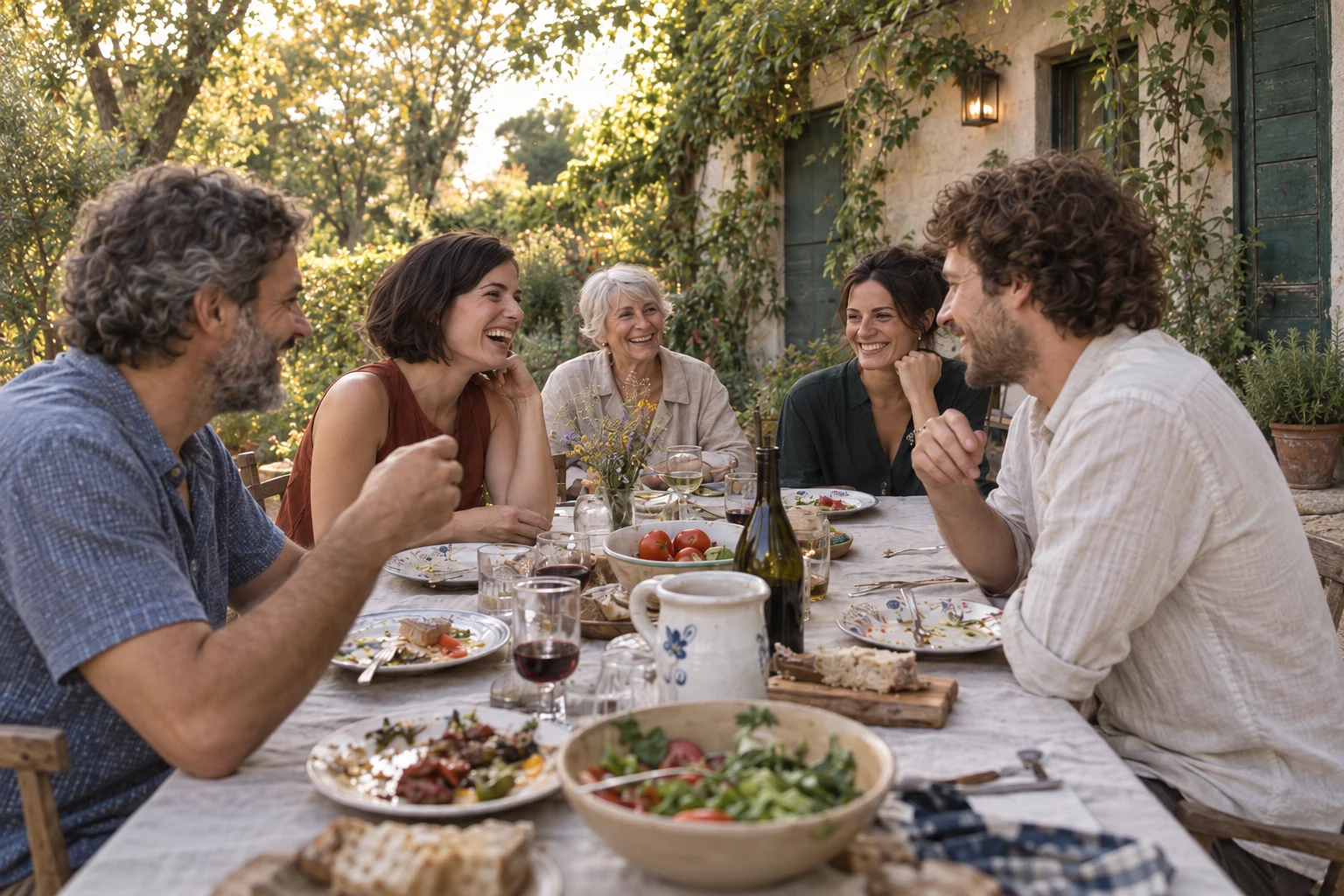
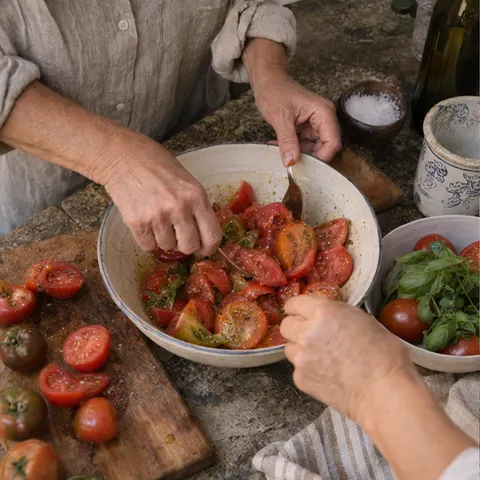
 3 / 15 photos
A little longer
22 August 2026 · Capture is open
◉ Camera☼ Ideas▧ My Photos
Add your point of view.
Take a photo now or choose one from your phone.
Take photoChoose photoJPEG, HEIC, PNG or WebP · up to 20 MB Your photos stay in this private event.
You can’t see
everything.
Your people can.
You’re at one end of the table.
Something wonderful happens at the other.
MIRKLI gives those little moments a home — while everyone is still together. No chasing photographs through messages afterwards.
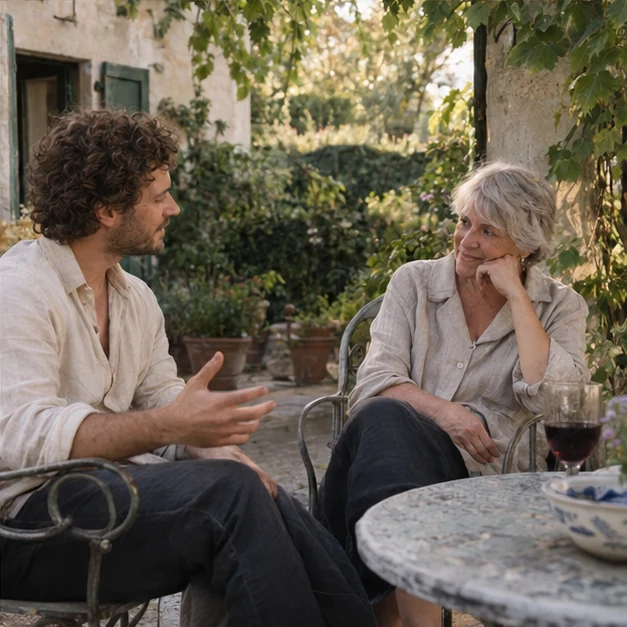
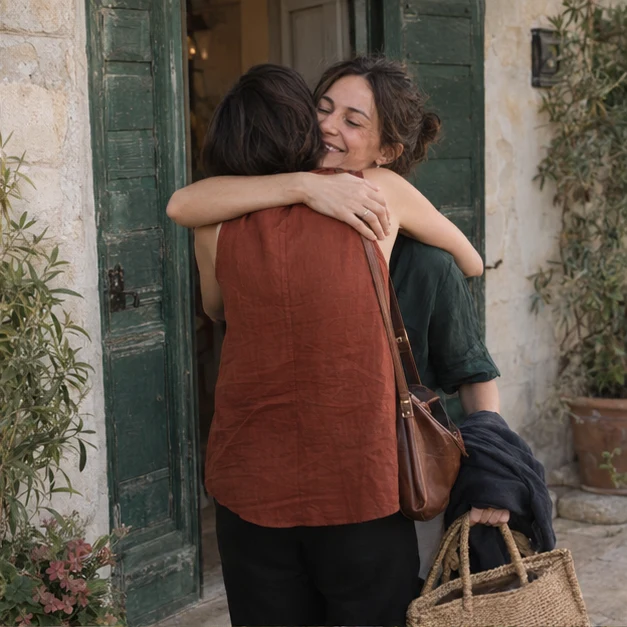
One evening.
More than one story.
A few taps.
Back to the evening.
Take a new photo or choose one you already have. Add a Memory Note if there’s a little more to the story.
Try the Camera in the previewNeed inspiration? Try an idea. Or simply photograph what you notice. Ideas are always optional.
No assignments. No pressure.My Photos holds your own contributions. The shared collection stays hidden until the organizer reveals it.
A little anticipation is a good thing.3 / 15 photosA little longer
22 August 2026 · Capture is open
Keep this evening together.
Add your photographs to this private event. No account needed.
- 01 Capture from your phone.
- 02 Add your point of view.
- 03 Return to the shared story.
Add your point of view.
Take a photo now or choose one from your phone.
JPEG, HEIC, PNG or WebP · up to 20 MB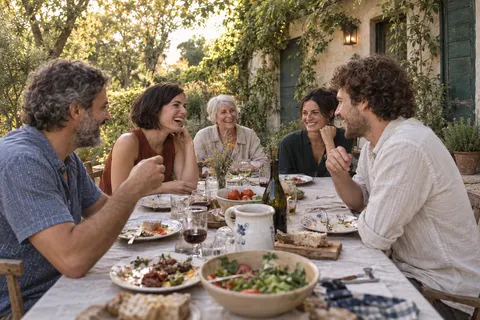
Your point of view, saved.
One more piece of the evening.
Photo Ideas
Optional inspiration. Follow an idea, or simply use Camera.
01 The person making everyone laugh.✓ Done
Take a photo now or choose one that fits.
02 A moment nobody else noticed.
The little things are part of the story, too.
03 The quietest moment of the evening.
Follow the evening wherever it takes you.
My Photos
3 photosJust your contributions, for now.
Demo with sample photos · nothing is uploaded
In your mobile browser. Right where you are.

Stay in
the moment.
You see your own photos while the event is happening. Everyone else’s can wait. There’s an evening to be part of.
Simple for guests.
Control for you.
Create the event. Share access.
When the evening ends, take one last look
before you reveal the story.
YOUR EVENT
Capture closedA little longer
22 August 2026 · Birthday supper
Guests8
Photos16
Photo Ideas3
One last look.
Capture has ended. Your guests will see Moments and Gallery when you reveal the event.
Guest access
One private link for your people.
Private event link
Keep the event link within your group.From the evening
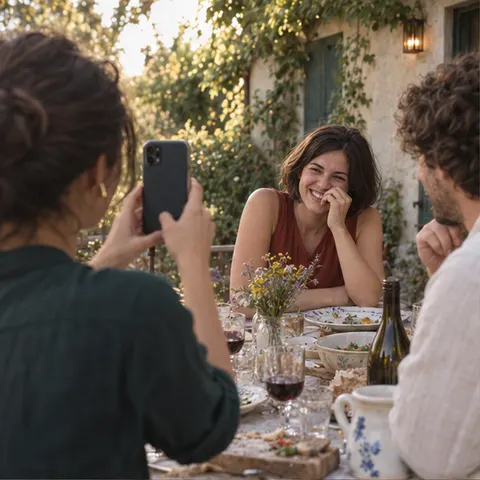
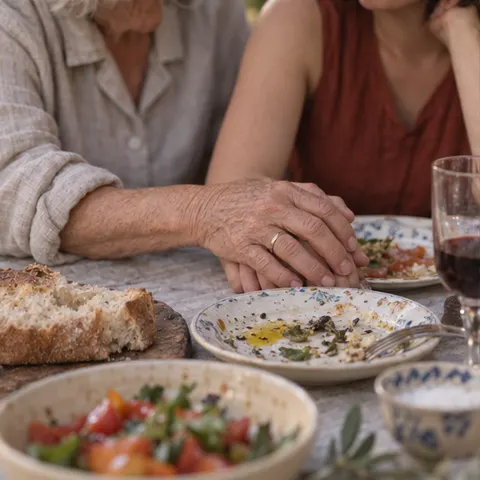
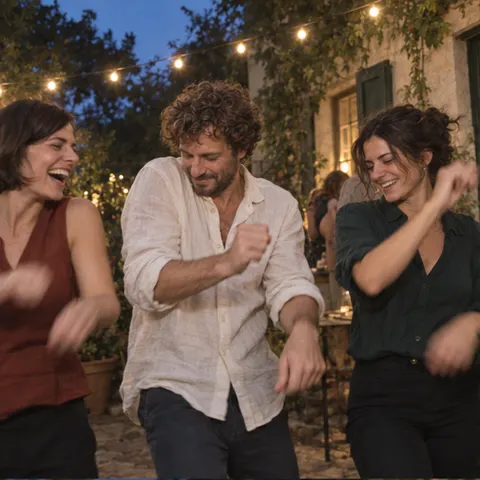
Photos 16
All uploadsYour story, coming together.
A private preview. Selected photos, grouped by Photo Idea — with free photos at the end.
01 / PHOTO IDEA
The person making everyone laugh.
Marta · Jānis · ElzaThis workspace is interactive. The story below is a separate illustrative result.
See the final resultEvent details & Photo Ideas
The essentials, in one place.
- Event name
- A little longer
- Date
- 22 August 2026
- About this event
- Good food, old friends, no hurry to leave.
- Photo Ideas
- Enabled · 3 ideas Set before the event opens.
Photo Ideas are read-only once capture has started.
PILOT V1.1.1 · sample event · English preview
Begin with a name, a date, and your people.Create your event
One last look.
Before the reveal.
You close capture. The collection stays private.
Review it, choose what belongs in Moments,
then reveal it when you’re ready.
The story
comes together.
The things you saw.
The things you missed.
One shared memory.
A LITTLE LONGER / MOMENTSEveryone brought
something to the table.
01 / The person making everyone laugh.
“The story gets better every time he tells it.”
Everyone brought something.
The view from the other side.
A small moment, kept.
We stayed a little longer.
Not just how it looked.
How it felt.
Selected photographs become an unfolding story, grouped by Photo Idea. The names and Memory Notes keep the little details close.
02 / PHOTO IDEAThe quietest moment
The quietest moment
of the evening.
Elza
“They picked up exactly where they left off.”
03 / FREE PHOTOSThe moments
The moments
in between.
No prompt. Just what someone noticed.
8 people. 16 photographs. One evening.And there’s more
And every photo
is still there.
Moments is the selected story.
Gallery holds every visible photograph —
including those left out of Moments.
Take a closer look. Tap any photograph.
All the photographs. All the little details.Originals available with Download All.
Big days.
Small gatherings.
Your kind of together.
Birthdays. Trips. Friends. Family.
Team gatherings. Weddings.
Anything worth remembering together.
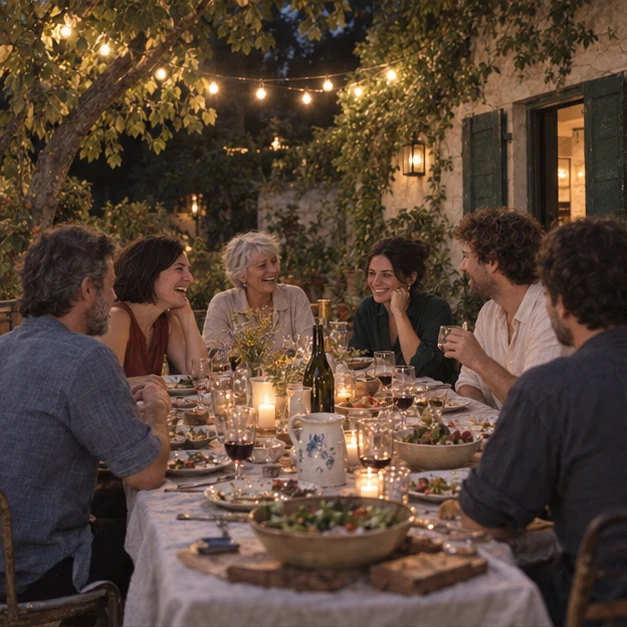
Make room for
everyone’s view.
Your private event. Simple guest capture.
Moments to return to. A complete Gallery.
A few things, before you begin.
Good to know.
Do guests need an account or an app?
No. Guests open a private event link in their mobile browser and enter a display name for that event. There’s no guest account, password, or app to install.
Can guests choose a photo they already have?
Yes. Camera offers both Take photo and Choose photo. Guests can preview the image and add an optional Memory Note before uploading.
Are Photo Ideas required?
No. They’re optional inspiration. Guests can ignore Ideas and simply use Camera. Completed Ideas stay visible with a quiet completed state.
Can guests see everyone’s photos during the event?
No. My Photos shows only that guest’s contributions while capture is open. The shared result becomes available when the organizer reveals it.
What happens when the event ends?
The organizer closes capture. Guests can no longer add photos, and the result remains private while the organizer reviews it. The organizer then reveals Moments and Gallery.
What’s the difference between Moments and Gallery?
Moments is a selected narrative, grouped by Photo Idea with free photos at the end. Gallery contains the complete visible collection, including photographs excluded from Moments.
Who can access the event?
Anyone with the private event link or QR can open it. Keep it within your group. The organizer controls when guests can contribute and when the shared result is revealed.
How many photos can a guest add?
Each guest session can add up to 15 successfully saved photos. Failed uploads don’t use that allowance. Guests can review and delete their own contributions while capture is open.
Your people. Your shared memory.Back to the beginning ↑
One event.
Every point of view.
CAMERA → MOMENTS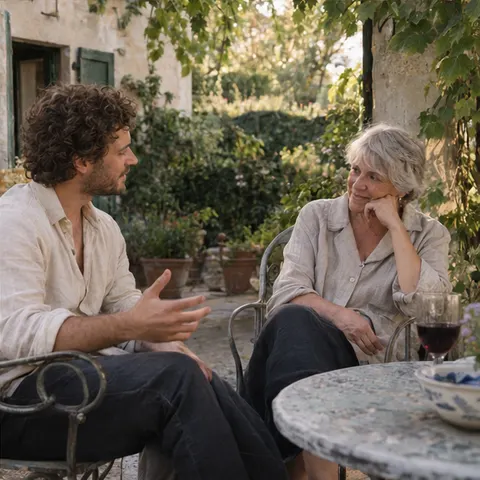
A little longer
The evening, through everyone else.
You bring the people.
Let everyone bring a little of the story.